Briefing AI on Your Codebase: The Architecture Context That Actually Matters
How to give an AI coding assistant exactly the architectural context it needs to write code that fits your project — without overwhelming it with noise.

AI coding assistants know a lot about code in general. They don’t know anything about your code specifically — your naming conventions, your error handling patterns, your architectural decisions, your off-limits approaches. The result, without a briefing, is code that looks plausible but doesn’t fit: wrong naming style, the wrong abstraction layer, a dependency that conflicts with what you already use.
Briefing an AI on your architecture takes five minutes and changes the quality of its output dramatically. This post is about what to include, what to skip, and how to structure it so the model actually uses it.
What AI doesn’t know about your codebase
The model knows popular patterns. It doesn’t know which patterns you chose and why. When you ask it to add a database query, it might reach for raw SQL — or an ORM you don’t use — or the ORM you do use but with an API from a version you’re not on. When you ask it to add an endpoint, it doesn’t know whether your route handlers go in src/routes/, src/app/api/, or somewhere else entirely.
These aren’t hallucinations — they’re the model’s best guess in the absence of information. The fix is providing that information upfront.
The briefing, not the codebase
The instinct when briefing an AI is to paste in large amounts of code: “here’s my database module,” “here’s my main entry point.” This mostly doesn’t work. The model gets a lot of implementation detail and very little signal about decisions: which things are intentional, which are patterns to repeat, and which are legacy artifacts to avoid replicating.
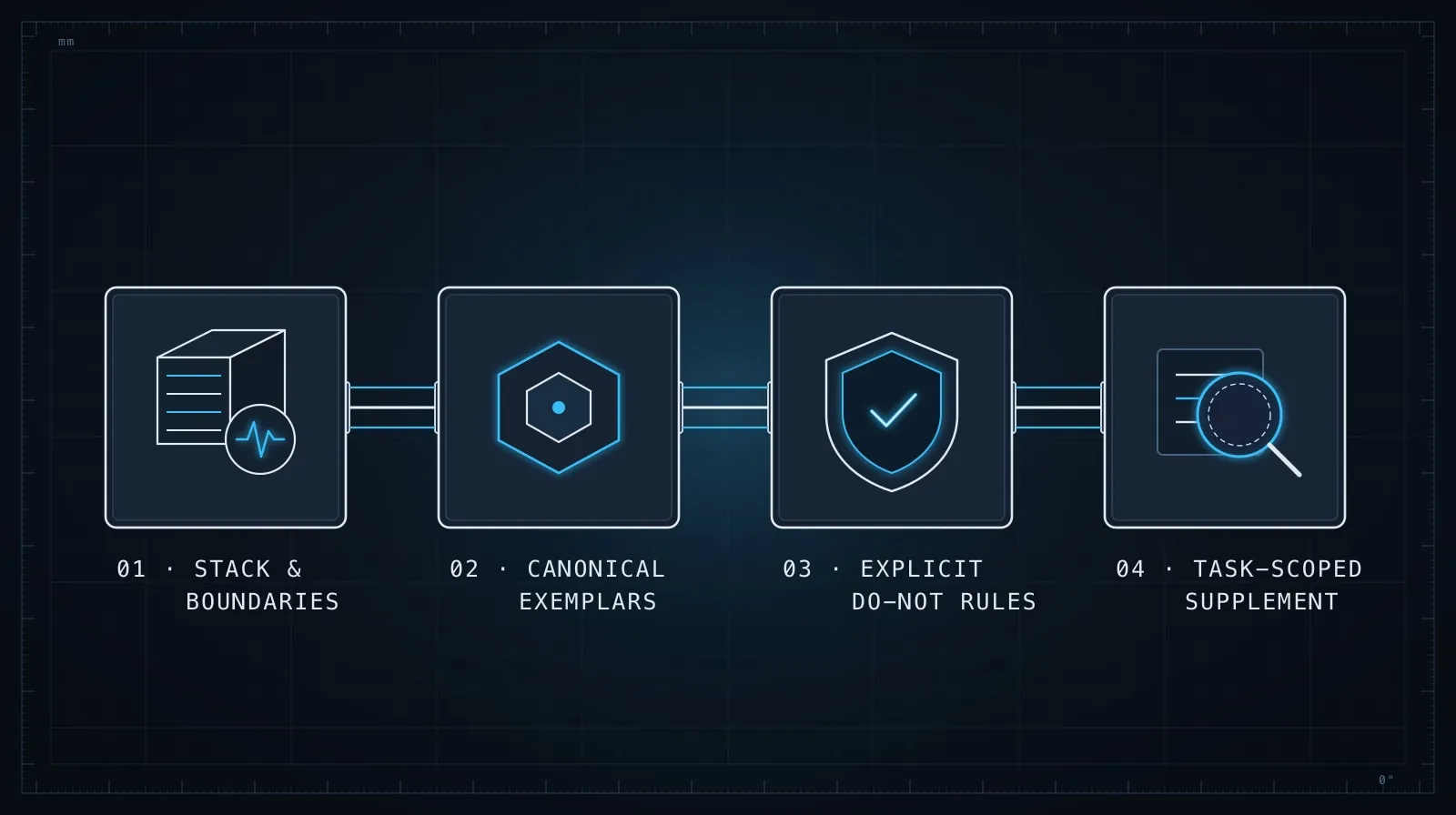
What you want is a short document that surfaces the decisions and patterns — the things a new developer would need someone to explain, because they’re not obvious from reading the code.
This fits naturally in a CLAUDE.md file in your repository root. Claude Code picks it up automatically every session. For other tools it goes in .cursorrules, .aiderrules, or you paste it at the start of the session. The format is the same regardless.
## Stack
- TypeScript, strict mode
- Next.js 15 (App Router only — no Pages Router)
- Drizzle ORM + Postgres (never raw SQL)
- Zod for all schema validation

## Architecture
- Route handlers: `src/app/api/**/route.ts`
- Database queries: `src/lib/db/*.ts` — not inline in routes
- All responses: `{ data: T } | { error: string }` with correct HTTP status

## Auth
- `requireAuth()` middleware in `src/middleware.ts`
- Auth check must run before any data access or mutation
- Never bypass requireAuth — not even in dev/test routes

## Conventions
- All dates stored and returned as UTC ISO 8601 strings
- IDs are UUIDs, not auto-increment integers
- Error messages are user-facing by default — no stack traces in responses
About 150 words. A model reading this knows your stack, your file layout, your response shape, and your hard constraints — without reading a single line of implementation.
Include anti-patterns explicitly
The “never” lines in a briefing matter as much as the “always” lines. Models generate plausible code, which means they’ll generate code that looks right even when it violates your patterns — unless you’ve explicitly called those violations out.
Anti-patterns worth naming:
## Do not do these
- Do not use raw `fetch` in route handlers — use the `apiClient` wrapper in `src/lib/api.ts`
- Do not add new npm dependencies without asking first
- Do not use `any` in TypeScript — use proper types or `unknown` with narrowing
- Do not write queries with string interpolation — use parameterized queries or Drizzle operators
- Do not put business logic in route handlers — extract to `src/lib/` service modules
Short, explicit, and unambiguous. A model given this list will avoid these patterns; a model given nothing will reach for them without hesitation.
How we learned this: The first time our team gave an AI agent access to our codebase without a briefing, it wrote a new API route with raw
fetchcalls to an internal service — exactly the pattern we’d moved away from three months earlier. The briefing we wrote afterward has “do not use rawfetchin route handlers” as its first anti-pattern. The model hasn’t made that mistake since.
The “why” matters more than the “what”
For constraints that aren’t obvious, explain the reason. A model that understands why a rule exists applies it more consistently than one following it as a rote instruction.
## Why Drizzle over raw SQL
We use Drizzle ORM because our queries run against Postgres in production
and SQLite in the test environment. Raw SQL has dialect differences that cause
test failures. If a query needs native Postgres syntax, flag it and we'll
discuss alternatives.
This is more information than strictly necessary, but it gives the model a reasoning anchor. It can now apply the constraint in situations the briefing didn’t explicitly anticipate — because it understands the constraint, not just the rule.
A pattern library beats a rules list
Rules tell the model what not to do. Pattern examples show it what to do. For your most-repeated patterns — creating a route handler, defining a Zod schema, writing a service module — a short working example is more effective than describing the pattern in prose.
// Standard route handler pattern
// src/app/api/users/[id]/route.ts

import { requireAuth } from "@/middleware";
import { getUserById } from "@/lib/db/users";
import { type NextRequest, NextResponse } from "next/server";

export async function GET(
  req: NextRequest,
  { params }: { params: { id: string } }
) {
  const user = await requireAuth(req);
  if (!user) return NextResponse.json({ error: "Unauthorized" }, { status: 401 });

  const result = await getUserById(params.id);
  if (!result) return NextResponse.json({ error: "Not found" }, { status: 404 });

  return NextResponse.json({ data: result });
}
Include two or three patterns like this in your briefing and the model has a concrete template to replicate. The output ends up structurally consistent in ways that a rules list alone rarely achieves — because the model is extending an example rather than interpreting a description.
Keep it short enough to be maintained
A briefing document that runs to 800 lines won’t be maintained. It will go stale — describing patterns that changed, rules that were relaxed, anti-patterns that are now acceptable. Stale briefings are worse than no briefing: the model follows outdated constraints and generates code that actively diverges from your current codebase.
Keep the briefing under 200 lines. If you’re tempted to include more, ask whether every session needs it, or whether you can provide it on-demand for the specific task that requires it.
A practical rule: if a new developer would need to be told this on their first day before touching the codebase, it belongs in the briefing. If they’d only need it when working on a specific module, add it to the session preamble for that module instead.
This keeps the project-level document lean and current. Reviewing it takes five minutes. Reviewing 800 lines takes indefinitely — which means nobody reviews it, which means it rots.
Supplement per session
A project-level briefing covers the invariants. A specific session often needs additional context that’s too detailed for the project file — the schema of the table you’re modifying, the design decision that led to the current structure, the specific constraint that applies here but not everywhere.
Add this as a brief session preamble:
Working on: the invoicing module (src/lib/invoices/)

Context for this session:
- Invoice items are in a separate `invoice_items` table, not embedded in the invoice row
- Line item totals are stored, not derived — pricing can change after invoice creation
- The `Invoice` type is in src/types/invoice.ts — match it exactly, don't extend it
The session preamble supplements the project briefing without replacing it. Short, specific, and scoped to the current task. Once the session ends, it’s gone — which is fine, because it only needed to exist for this session.
What not to include
Equally important: what to leave out.
Don’t include full file contents. The model can read files when it needs them. Dumping your entire src/lib/db/index.ts into the briefing adds noise without adding signal. Include the interface, not the implementation.
Don’t include things that change frequently. If a briefing line is out of date every two weeks, it belongs in session preamble, not the permanent briefing. Outdated constraints are actively harmful.
Don’t over-specify things the model gets right anyway. If the model always uses TypeScript arrow functions in your existing style, you don’t need a rule about it. Save the briefing real estate for things the model consistently gets wrong without guidance.
The goal is the smallest briefing that produces the most consistent output — not the most complete record of every decision ever made.
Combined with good session hygiene, a well-structured briefing is how you stop correcting the same category of mistake repeatedly. The mistake where the model uses the wrong abstraction, writes into the wrong directory, or reaches for a pattern you moved away from — that’s almost always a briefing gap, not a model failure.
For the session-level version of this — how to scope an individual task and keep the model focused once the session starts — see Managing Context in Long AI Coding Sessions. And when you’re giving an AI agent deeper access to navigate and modify your codebase, Task Decomposition for AI Agents covers how to structure the work so the agent can execute it without needing to ask clarifying questions at every step.