Task Decomposition for AI Coding Agents: How to Break Down Complex Features
How to split a complex feature into agent-sized sub-tasks that execute reliably — with concrete patterns and scope rules that prevent drift and rework.
AI coding agents work best when they’re given a single, well-scoped task with a clear exit condition. The problem is that real features aren’t like that — they’re multi-layered, cross-concern, and full of implicit dependencies. The natural impulse is to hand the agent the whole feature and let it figure out the sequence. That works occasionally and fails badly the rest of the time.
The discipline of task decomposition — splitting a complex feature into a sequence of agent-sized sub-tasks — is what separates productive agent use from expensive sessions that produce more rework than working code.
What makes a task “agent-sized”
An agent-sized task has four properties:
A single output type. The task produces one kind of artifact: a schema, a function, a migration, a set of tests. Not “the feature” — one part of the feature.
A verifiable exit condition. You know it’s done without reading the whole codebase. The tests pass. The type-checker is clean. The function returns the right shape.
Contained scope. The task touches a predictable, bounded set of files. When the agent reads more than four or five files it wasn’t explicitly pointed at, something’s wrong with the decomposition.
One concern. Schema design is one concern. Business logic is another. Error handling is a third. Don’t mix them in a single task if you can avoid it.
When a task violates these properties, the agent either expands scope autonomously (a problem covered in Steering a Drifting AI Agent) or produces output that solves part of the problem while making the rest harder.
A concrete decomposition: adding a settings feature
Take a realistic example: adding user settings to an existing web app — language, timezone, and notification preferences, stored in the database with an API and a settings page in the UI.
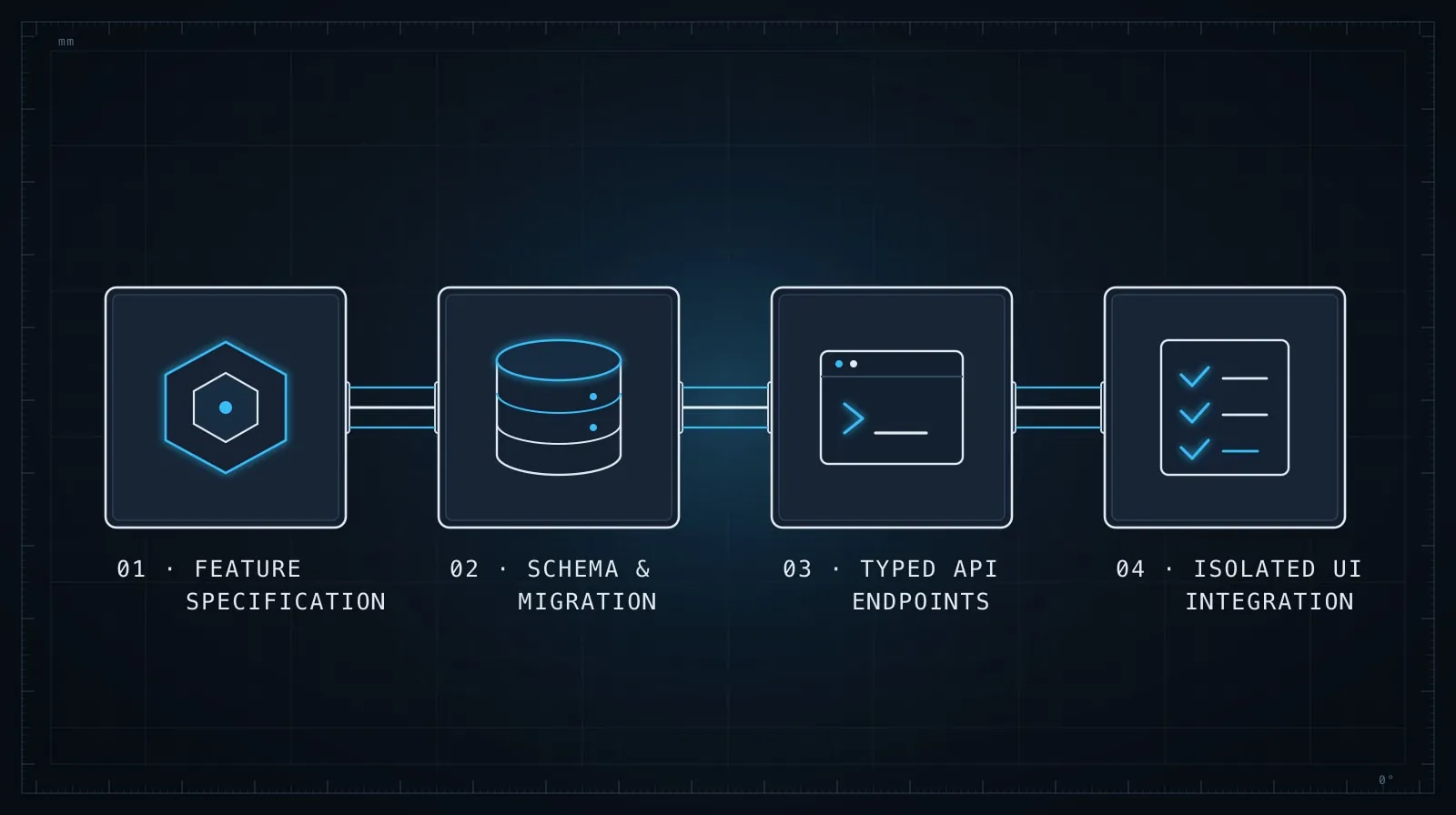
Handed as a single task, this produces a plausible attempt that probably invents a database pattern inconsistent with your existing tables, skips validation, and bypasses the auth layer in subtle ways.
Here’s the same feature broken into six agent-sized tasks:
Task 1 — Schema definition
Define the UserSettings table in src/db/schema.ts using the existing
Drizzle pattern. Columns: userId (FK to users.id), language (text, default 'en'),
timezone (text, default 'UTC'), notifyEmail (boolean, default true),
notifyPush (boolean, default false). No migration yet — just the type
definition. Match the column naming style in the existing users table.
Task 2 — Migration
Generate the Drizzle migration for UserSettings. The schema is already
complete in src/db/schema.ts. Run `npx drizzle-kit generate` and verify
the migration SQL looks correct. Do not modify the schema file.
Task 3 — Data access layer
Write getSettings(userId: string) and updateSettings(userId: string, patch: Partial<UserSettings>)
in src/lib/settings.ts. Use the Drizzle client from src/db/client.ts.
getSettings should upsert a default row if none exists. updateSettings
should validate that language is a valid BCP-47 tag and timezone is a
valid IANA timezone string. No routes yet — just the data layer.
Task 4 — API routes
Add GET /api/settings and PATCH /api/settings in src/app/api/settings/route.ts.
Use the requireAuth middleware from src/lib/auth.ts. GET calls getSettings
from src/lib/settings.ts. PATCH validates the request body with Zod and
calls updateSettings. Return 400 on validation failure as { error: string }.
Do not modify settings.ts or the schema.
Task 5 — UI component
Build a SettingsForm component in src/components/SettingsForm.tsx.
It receives initialValues: UserSettings as a prop and calls PATCH /api/settings
on save. Use the existing Form and Button components from src/components/ui/.
No routing — just the form component and its fetch logic.
Task 6 — Page integration
Create src/app/settings/page.tsx. Fetch settings server-side using
getSettings(session.user.id) and pass them as initialValues to SettingsForm.
Use the existing session pattern in src/app/profile/page.tsx as a reference.
Six tasks instead of one. Each has a specific output, a bounded file set, and a verifiable exit condition. Each task’s output becomes explicit context for the next.
What I learned the hard way — Josh: I handed an agent almost this exact settings feature as a single task once. It invented a database table pattern that didn’t match any of our existing tables, skipped validation entirely, and wired the route in a way that quietly sidestepped our auth middleware. Untangling all three took longer than building the six-task version would have from scratch. The 20 minutes of up-front decomposition felt like overhead until I’d paid the cost of skipping it — now I do it every time.
Rules for effective decomposition
Order by dependency. Data model before logic, logic before API, API before UI. Agents are poor at reasoning about things that don’t exist yet. When you ask for a route handler before the data layer is written, the agent invents one — and then you have two inconsistent implementations to reconcile.
Separate “define” from “use”. Schema definition is one task; writing queries against the schema is another. Route definition is one task; writing client-side fetches against the route is another. When definition and use are in the same task, the agent changes the definition mid-task to make the use work, and you lose the clean contract between layers.
Name the files explicitly. “Add a data layer” produces inconsistent file placement. “Write src/lib/settings.ts” produces a predictable output in a predictable location. You’re constraining location and interface, not implementation.
State what the task must NOT do. Each task description above includes a constraint on what should stay unchanged: “No routes yet.” “Do not modify the schema file.” These negative constraints are cheap to write and prevent the most common form of scope creep: the agent “helpfully” completing the next step before you’ve verified the current one.
Verify before advancing. Treat each task as a checkpoint. The migration SQL should look correct before you write the data layer. The data layer should type-check cleanly before you write routes. A defect introduced in task 2 that isn’t caught until task 5 means five tasks of accumulated debt to unwind. This pairs directly with the checkpoint evaluation pattern in Evaluating AI-Generated Code Before It Ships.
When you can’t decompose by layer
Some tasks are genuinely cross-cutting: a rename that propagates through a module, a type change that affects 15 files, a refactor that can’t be staged without breaking the build mid-way.
For these, decompose by scope rather than by layer:
Scope: only src/lib/auth/ and its direct callers in src/routes/.
Change: rename `userId` to `accountId` everywhere within that scope only.
Do not modify anything outside src/lib/auth/ and src/routes/.
After completing, list any callers outside that scope that will need
a follow-up task.
The key properties are the same: explicit file scope, explicit exit condition, one concern. The final instruction — listing callers outside scope — turns the agent into a scout for the next task rather than letting it decide whether to expand.
A decomposition template
Keep this as a starting point when you’re breaking down a new feature:
## Task: [name]

### Output
[One artifact — a file, a function, a migration, a component]

### Files to create or modify
[List by path]

### Files to NOT touch
[List anything the task might wander into]

### Exit condition
[How you'll know this task is done without reading every line]

### Context from prior tasks
[Schema, interface, or API contract the agent needs — paste it inline]
The “Context from prior tasks” section is what makes the sequence work. Don’t rely on the agent remembering what it produced three tasks ago — paste the relevant type or interface directly into the next task’s prompt. Context from prior tasks is a gift you give your future sessions; see Managing Context in Long AI Coding Sessions for why this matters as a session grows.
The upfront cost that pays back immediately
Decomposition takes longer upfront — maybe 20–30 minutes to map out a medium feature. That time comes back in the first task. Each task runs in a clean context with no accumulated drift. Each produces verifiable output before the next starts. The overall implementation is more consistent than an open-ended agentic approach would produce.
The developers who get stuck with AI agents usually share one pattern: they handed the agent a feature, not a task. The ones who build efficiently have learned to do the design work themselves — decompose first, delegate second. The agent handles the code; you handle the structure. That division of labor is more productive than asking the agent to figure out both at once.