Managing Context in Long AI Coding Sessions
How to keep AI coding assistants accurate across a long feature branch — when to trim, reset, and summarize context so the model stays focused.
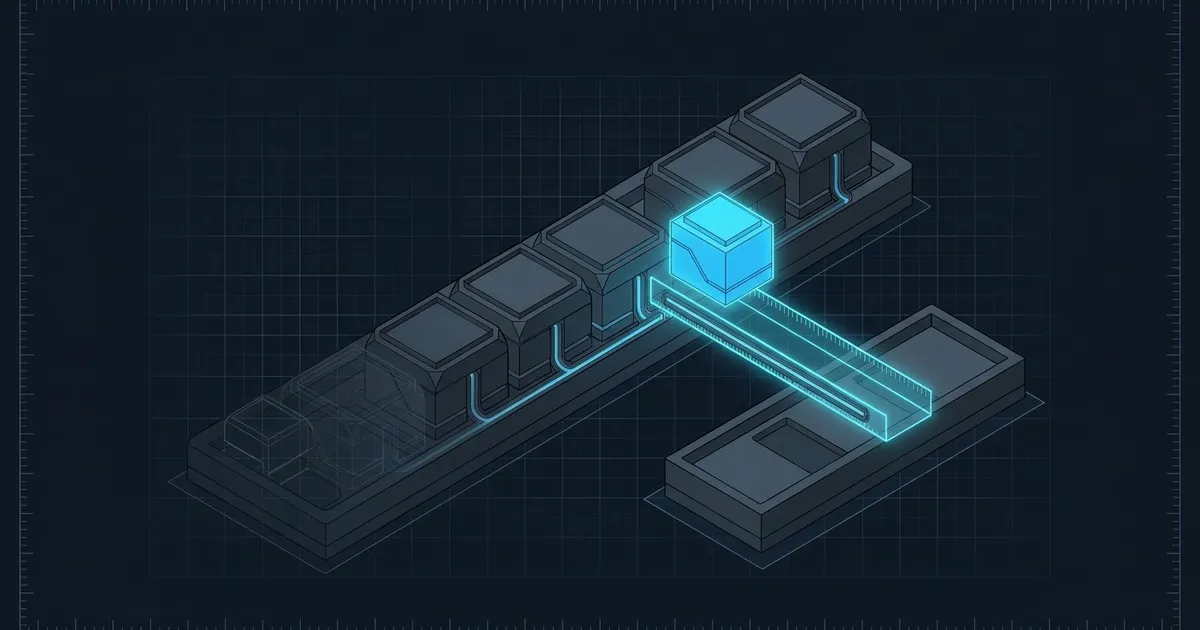
Managing context in AI coding sessions is one of those disciplines that looks unimportant until it suddenly isn’t. You’re three hours into a feature branch, the assistant has seen 40 back-and-forth exchanges and five different files, and it starts suggesting changes that contradict decisions you made an hour ago. The model isn’t getting worse — your context window is getting noisy.
Why context degrades
A language model processes everything in its context window on every generation. Early context — setup instructions, architectural decisions, file contents you established at the start — gets increasingly diluted as the session grows. The model doesn’t “forget” in a human sense, but it attends more heavily to recent content. By the time you’ve accumulated a lot of back-and-forth, the original constraints can effectively disappear.
This shows up as:
- The model re-suggesting approaches you explicitly ruled out earlier
- Inconsistent variable names or API shapes across generated code
- Responses that seem to have “lost the thread” of the overall goal
The fix isn’t a better model — it’s better context hygiene.
Front-load what can’t be forgotten
The first thing to establish at the start of any substantial session is the invariants: decisions that must hold regardless of what else happens. Don’t bury them in prose. Put them at the top, structured, short.
## Project constraints for this session
- Language: TypeScript, strict mode
- Database: Postgres via Drizzle ORM (no raw SQL)
- Auth: existing requireAuth() middleware — do not bypass
- No new dependencies without explicit confirmation
A short, structured constraint block like this survives context growth much better than the same information scattered across earlier messages. When you’re halfway through a session and something looks off, this block is the anchor the model can reference.
The key word is structured. Sections and bullet points give the model distinct things to attend to. Dense prose tends to get treated as one semantic unit and is harder to pull back to during generation.
Summarize and reset when the session gets long
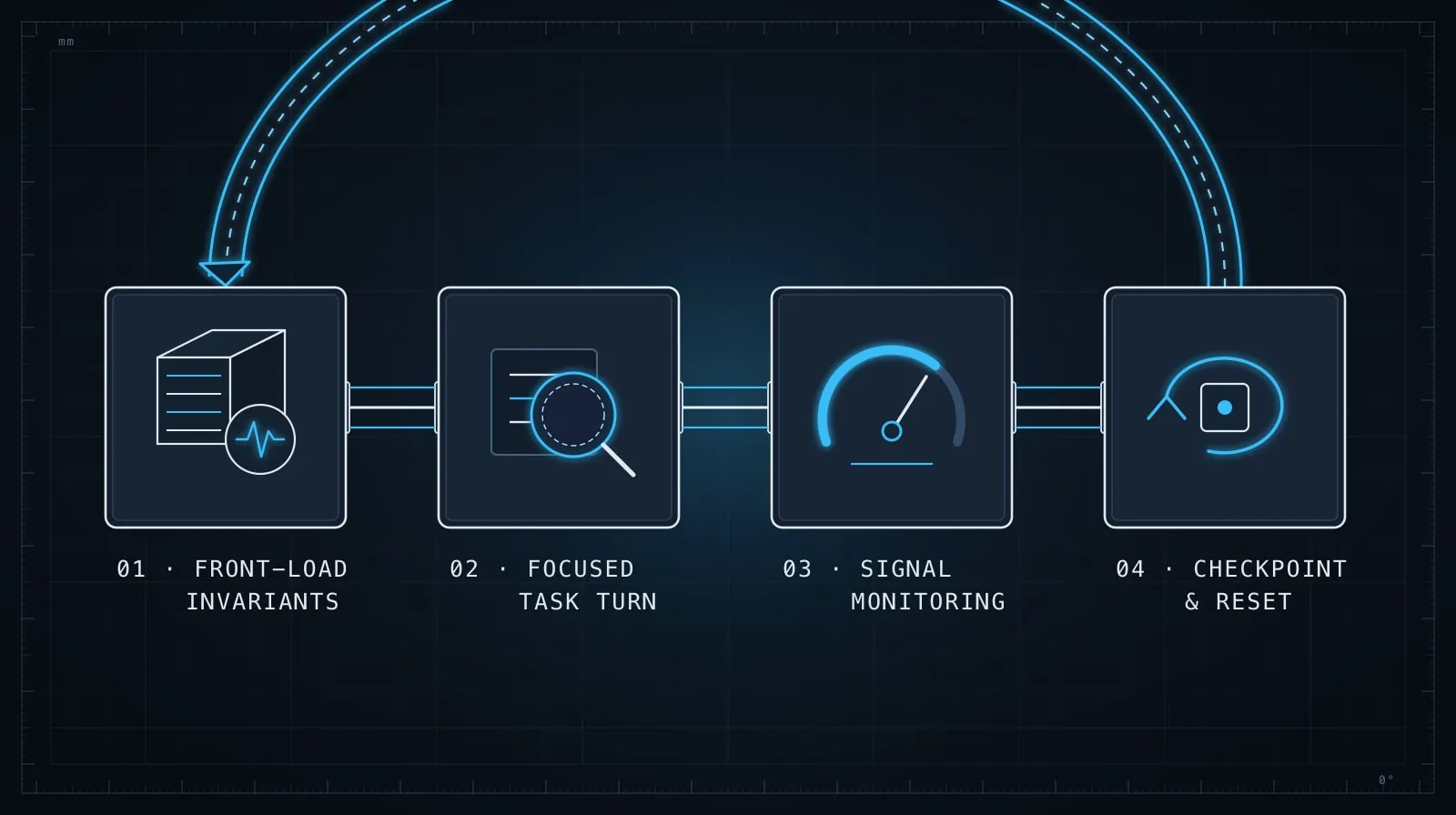
When a session spans more than 30–40 exchanges, consider creating a checkpoint. A checkpoint is a compact summary of the decisions made so far, which you paste at the top of a fresh conversation. Continuing in the original session carries along resolved tangents and failed experiments that just add noise.
What belongs in a checkpoint:
## Session checkpoint — UserProfile feature

### Completed
- ProfileSchema defined in src/schemas/user.ts using Drizzle
- GET /api/profile returns { id, email, displayName, avatarUrl }
- Avatar stored as URL string, not binary

### In progress
- PUT /api/profile — partial updates only, PATCH semantics
- displayName must be 2–50 chars, validated server-side

### Ruled out
- Image upload to S3 (out of scope for this sprint)
- Separate UserSettings table — keeping settings in user row for now

### Next
- Write Zod schema for PATCH body
- Add update handler in src/routes/profile.ts
This checkpoint is lighter than the full conversation, includes only the decisions that are still live, and explicitly records what was ruled out. That last section matters. Models confidently re-propose ruled-out approaches if there’s nothing in the context saying they were considered and rejected.
The session that taught me this — Josh: I lost most of an afternoon to one marathon session where, somewhere around exchange 40, the assistant enthusiastically re-proposed an S3 upload approach we’d explicitly killed an hour earlier — and I nearly didn’t catch it, because it sounded so reasonable the second time around. Nothing was wrong with the model; the “ruled out” decision had simply scrolled out of its effective attention. The explicit “Ruled out” section in my checkpoints exists because of that day.
Segment by concern
Long sessions often jump between concerns — schema design, route logic, error handling, tests — and each jump is an opportunity for the context to become polluted with irrelevant noise. Instead of one continuous session, run separate sessions for separate concerns.
A practical division for a new API feature:
- Session 1: Schema and data model — just get the types right
- Session 2: Route handlers — paste in the finalized schema, write the logic
- Session 3: Tests — paste in the schema and routes, generate test cases
Each session starts clean with exactly the context it needs. The cost is copying a bit of output from one session to the next; the benefit is that each session stays coherent.
This isn’t about session length — it’s about coherence. A session that stays on one concern naturally has a smaller, cleaner context than one that sprawls across multiple layers of the stack.
Use project-level instruction files
Most AI coding tools support a project-level instruction file that gets loaded into every session automatically. For Claude Code, that’s CLAUDE.md in the repository root. For other tools, look for .cursorrules, .aider.conf, or equivalent config.
These files are the right place for context that every session needs but that you shouldn’t have to paste repeatedly:
# CLAUDE.md

## Stack
- Next.js 15, TypeScript strict mode
- Drizzle ORM + Postgres
- React Query for data fetching

## Conventions
- Route handlers in src/app/api/**/route.ts
- Database queries in src/lib/db/*.ts — no inline queries in routes
- Errors returned as { error: string } with appropriate HTTP status code

## Testing
- Vitest for unit tests, Playwright for E2E
- Test files colocated with source: foo.ts → foo.test.ts
The goal is not to restate your entire codebase conventions — the model can read your files. The goal is to surface decisions that aren’t obvious from reading the code: why things are structured the way they are, what patterns are preferred, what’s out of scope. That’s the information a new contributor would need to know, and it’s the same information the model needs to stay consistent.
Trim actively within a session
Not all context is equally valuable, and it’s worth periodically marking resolved sub-problems as settled:
That schema definition looks good. Let's lock it and move on.
For the rest of this session, treat UserSchema as finalized:

  id: uuid, email: string, displayName: string, avatarUrl: string | null

Don't revisit the schema — we're now working on the routes.
This kind of mid-session “commit point” is a lightweight way to signal that certain earlier context is now settled and shouldn’t be re-opened. It doesn’t shrink the context window, but it explicitly updates the model’s framing of what’s still live.
You can do the same thing when you’ve rejected an approach:
The decorator-based approach isn't working — let's drop that entirely.
We're going with explicit middleware. Don't suggest decorators again.
These markers are cheap and they work. The model is responsive to explicit framing signals even when the original discussion is many turns back.
Know when to start fresh
Starting a new session is free. There’s a tendency to keep extending a session when you’ve invested time in it, but a long, polluted context is actively harmful — it produces inconsistent suggestions and wastes tokens.
Signals that it’s time to start fresh:
- The model keeps re-suggesting things you’ve already rejected
- It contradicts a type or interface you established earlier
- You’ve hit a dead end and are backtracking by more than 3–4 exchanges
- The session has spanned more than two hours of active work on multiple concerns
When you do start fresh, use the checkpoint format above. The session’s value isn’t in the conversation — it’s in the code and the decisions. Capture those in a compact summary and carry them forward. Fifteen minutes spent writing a good checkpoint saves you from repeating the same decisions in the next session.
The discipline behind the discipline
The underlying principle is simple: the model can only reason about what you’ve given it. A fresh, well-scoped context produces sharper, more consistent output than a long, accumulated one. The effort is in maintaining that scope as the work grows.
This connects directly to the output contract discipline in Prompt Engineering Patterns That Survive Production: once you’ve established a type or schema, treat it as a contract and reinforce it explicitly. Don’t assume the model will remember a decision it saw fifty messages ago — re-state it at the point where it matters. And if your agent loop needs to reason over many documents across a long session, RAG vs Fine-Tuning covers when retrieval is a better approach than stuffing everything into context upfront.
The developers who get the most out of AI coding tools aren’t the ones with the cleverest prompts — they’re the ones who treat context as a resource to manage, not just a transcript to accumulate.