Parallel AI Agent Workflows: Fanning Out Tasks to Multiple Agents
How to identify independent workstreams, fan them out to multiple AI agent sessions simultaneously, and merge results without conflicts.
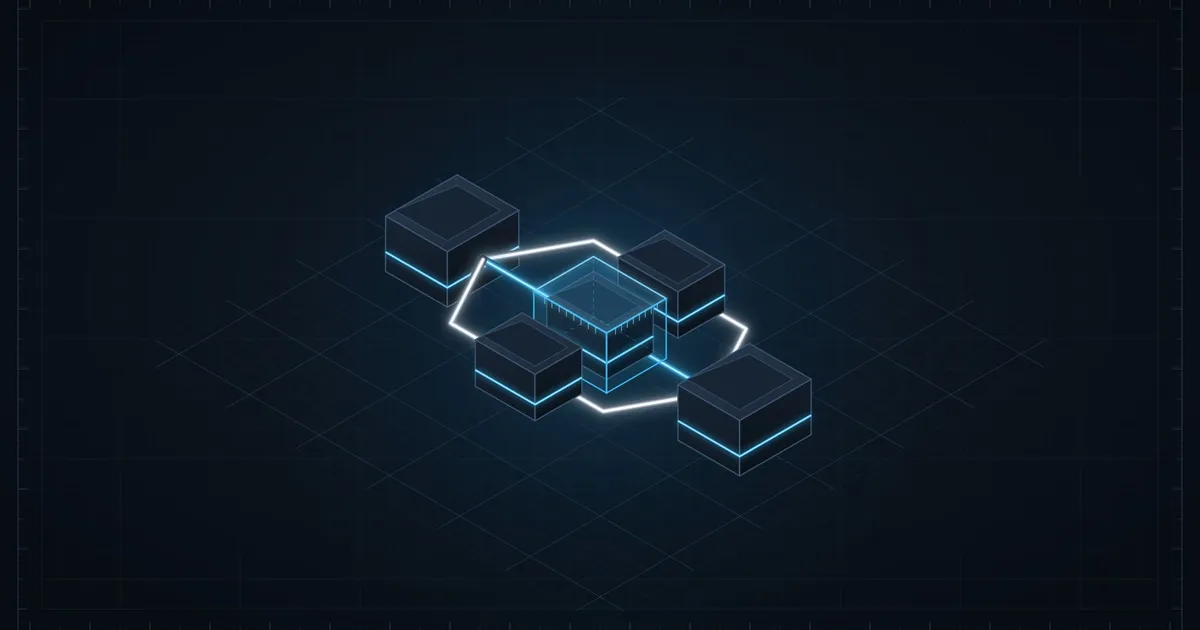
Most developers who use AI coding agents run them sequentially: ask for one thing, review it, ask for the next. That works, but it’s artificially slow. A significant portion of any software feature is made up of independent tasks that don’t share state — and those tasks can run at the same time.
If you’re implementing three API endpoints that read from the same database schema but don’t call each other, there’s no reason to build them one at a time. An agent writing the /users/profile route doesn’t need to wait for the agent writing /users/settings to finish. Running them in parallel halves the time. This pattern — identifying independent workstreams and fanning them out to separate agent sessions — is one of the highest-leverage habits in AI-assisted development.
What makes a task parallelizable?
A task is safe to run in parallel with another when it satisfies two conditions:
-
It doesn’t write to files the other task reads or writes. Two agents both modifying
src/lib/auth.tswill produce conflicting edits. Two agents modifying different route files won’t. -
It doesn’t depend on output the other task is still producing. If Task B needs the interface that Task A is designing, they can’t run concurrently.
Most features have more parallelism than you might expect. Consider a typical API feature:
- Schema definition
- Route handler
- Request validation
- Error handling
- Unit tests
You can’t write the route handler before you have the schema. But once the schema is settled, the validation logic and unit tests can be written simultaneously. The error handling can proceed in parallel with the route handler if you establish shared error types first.
The practical habit: before starting a multi-step feature, sketch the dependency graph. If A must exist before B starts, they’re sequential. If A and B both only need the schema — which you’ve already established — they’re parallel.
Setting up parallel sessions
The simplest approach is two terminal windows with two separate agent sessions. Give each session exactly the context it needs and nothing more.
Establish shared inputs first. Before fanning out, spend one short session establishing the interfaces and types that both parallel sessions will depend on. A shared type file that both agents can read and treat as fixed is the cleanest coordination mechanism.
// src/types/user.ts — finalized before starting parallel sessions
export interface UserProfile {
  id: string;
  email: string;
  displayName: string;
  avatarUrl: string | null;
  createdAt: Date;
}

export interface UpdateProfileInput {
  displayName?: string;
  avatarUrl?: string | null;
}
Both agents see the same type definitions and won’t independently invent conflicting shapes.
Write separate briefs for each agent. The prompt for each parallel session should contain:
- The specific task scope (what files to touch, what to build)
- The shared types or interfaces to treat as fixed
- An explicit list of files the agent should NOT modify
- How to run the tests for its specific part
# Session A — GET /api/profile route handler

## Task
Implement the GET /api/profile route in src/routes/profile.ts.
Return the UserProfile for the authenticated user.

## Types (treat as fixed — do not modify)
See src/types/user.ts — UserProfile interface.

## Do not touch
- src/routes/profile-update.ts (being worked on in a separate session)
- src/types/user.ts (finalized)

## Definition of done
- Route returns { profile: UserProfile } on success
- Returns 401 if user is not authenticated
- All tests in src/routes/profile.test.ts pass
The “do not touch” section is important. Without explicit file exclusions, an agent will sometimes “helpfully” adjust nearby code in a file you’re simultaneously editing elsewhere. Explicit scope boundaries prevent collisions.
A concrete example: parallel route implementation
Here’s a typical fan-out for a three-endpoint feature. The types are established in a brief synchronous session, then three parallel sessions build the endpoints independently.
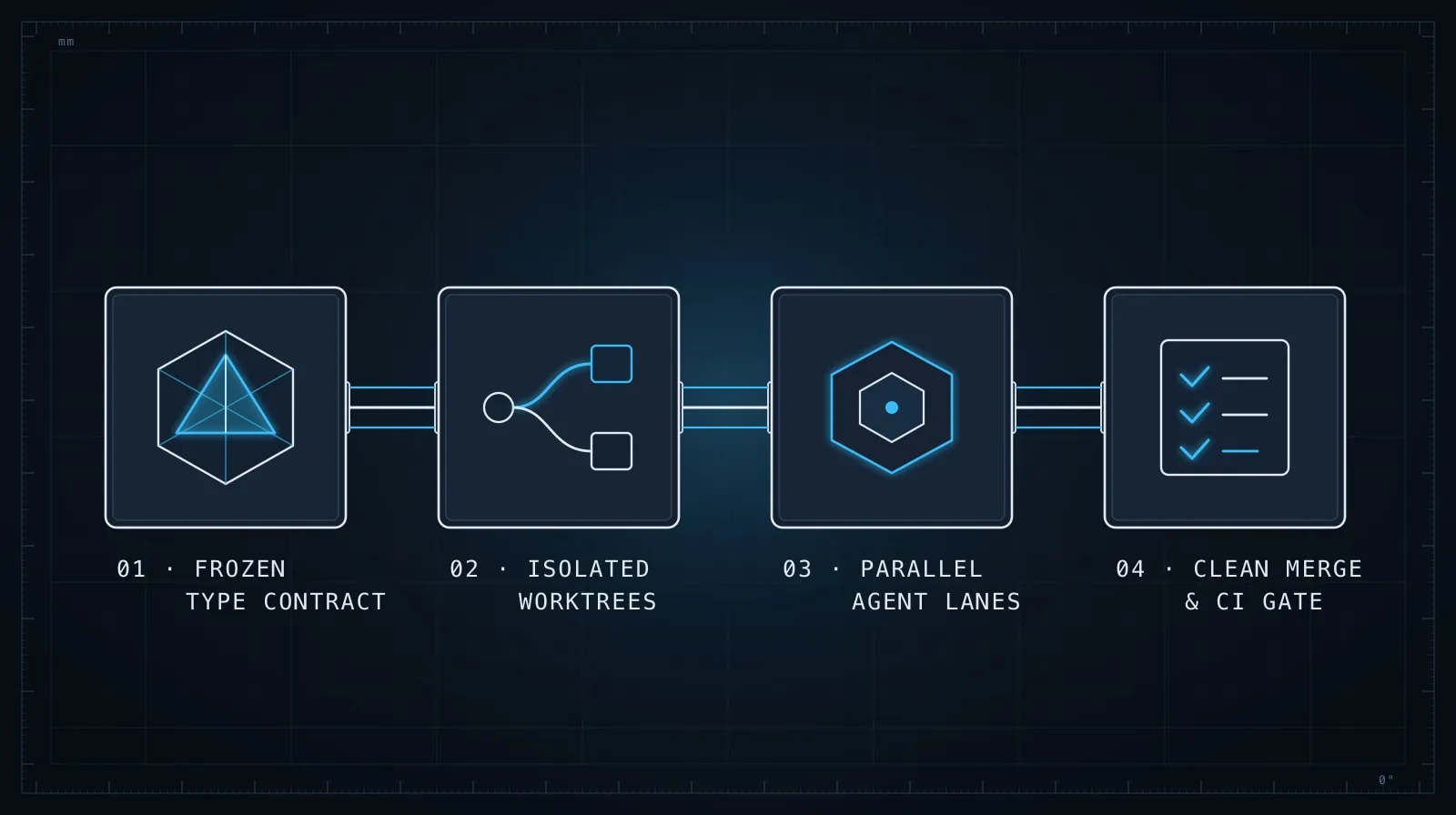
Synchronous setup (10 minutes):
- Define
UserProfile,UpdateProfileInput, andUserActivityinsrc/types/user.ts - Confirm the database schema matches
Parallel sessions (all three at once):
| Session | Task | Files |
|---|---|---|
| A | GET /api/profile |
src/routes/profile.ts, src/routes/profile.test.ts |
| B | PUT /api/profile |
src/routes/profile-update.ts, src/routes/profile-update.test.ts |
| C | GET /api/profile/activity |
src/routes/activity.ts, src/routes/activity.test.ts |
Each agent has a separate output file. No file appears in more than one session’s scope. When all three finish, you run npm test once and review three diffs.
The total wall-clock time is the duration of the longest session, not the sum of all three. On a real feature, that difference compounds quickly.
Merging without conflicts
If you’ve scoped correctly, merging is just git add for each session’s output — there are no conflicts because no two sessions touched the same file.
But sometimes you’ll realize mid-flight that two sessions both need to add a helper function to a shared utility file. The fix is to pause one session, have the other write the helper and commit it, then let both continue. Alternatively: have one session write the helper and the other paste it in directly, without modifying the shared file at all.
When a conflict does happen, don’t try to merge two AI-generated implementations in a third AI session. Read both, pick the better one, and discard the other. AI-generated code is not precious — the goal is a working implementation, not preserving either agent’s contribution specifically.
What to watch for during parallel sessions
Type drift. If one agent decides the type you established should be shaped differently and changes it, both sessions diverge. Keep shared type files read-only during parallel sessions by including them explicitly in each brief’s “do not touch” list. Check them at the end of each run before merging.
Import collisions. Two agents independently writing new utility functions sometimes pick the same name. Review new exports from each session before combining. A quick grep -r "export function" across both sessions’ output surfaces this in seconds.
Test overlap. If two sessions both write tests against the same shared fixture file, you may end up with duplicate setup code. Consolidate after merging, or assign fixture ownership to one session upfront.
None of these are catastrophic — they’re the same class of problem you get when two engineers work on adjacent code. The difference is that AI sessions move fast, so a collision discovered after 40 minutes of parallel work means reviewing two diffs rather than untangling two weeks of divergence.
When to stay sequential
Parallel sessions add coordination overhead. For small tasks — a single function, a bug fix in one file — the overhead isn’t worth it.
Stay sequential when:
- The output of each step directly informs the next and the shape can’t be established upfront
- You’re in an unfamiliar codebase and can’t predict which files each task will touch
- The feature involves a schema migration or any change that requires a single coherent transaction across the codebase
- One agent’s work is on the critical path that determines whether the whole feature is viable at all — verify that kernel before building out around it
The value of parallel sessions scales with the size of the feature. For a one-hour task, parallelism might save 15 minutes. For a full-day feature with clearly separable pieces, it can halve the wall-clock time.
The discipline that makes it work
Parallel agent workflows rely on the same discipline as parallel human development: establish shared contracts upfront, define clear ownership boundaries, and review output before merging. The difference is that AI agents are fast enough that the coordination overhead stays low relative to the throughput gain.
Start with your dependency graph before you start your sessions. Anything with no unfulfilled dependencies can start immediately. Anything with a dependency waits until that dependency is settled, then starts. The clock runs on the longest parallel track, not on the sum of all tracks.
For breaking down the individual tasks that go into each parallel session, Task Decomposition for AI Agents covers the mechanics of sizing and scoping those units effectively. And if you find that your parallel sessions are producing inconsistent code that doesn’t fit together cleanly, Writing Effective Project Instruction Files covers the project-level constraints that keep every session — parallel or not — producing coherent output.