Structured Feedback Loops: Feeding Compiler and Test Output Back to AI
How to capture, trim, and present compiler errors and test failures to AI coding tools so they fix the right problem — not a plausible-sounding neighbor of it.

The most common AI coding workflow looks like this: ask for code, get code, paste in the errors, get a fix. Done in theory. In practice, that “paste in the errors” step hides most of the friction. A raw error dump gives the model too much noise, too little context, and no clear scope — and the fix it produces is often a plausible-sounding patch for the wrong version of the problem.
The feedback loop is the actual unit of AI-assisted development. How you close it determines whether you spend ten minutes or an hour on a failing build.
Why raw error output underperforms
When you paste a compiler stack trace or a test failure directly into a chat, the model has to do several things at once: parse the error, infer the file and line, guess what code was there before, figure out what you intended, and produce a fix. Each inference is a place where it can go wrong.
The deeper issue is that raw output is often structurally misleading. A TypeScript error at line 47 might be caused by a bad type at line 12 that was changed two steps ago. A failing test might report the symptom — expected 3, got undefined — while the root cause is a function that was never called. The model sees the reported error, not the actual chain. It fixes what’s visible.
The most reliable thing you can do is close the inference gap before you hand the error over.
The minimal feedback template
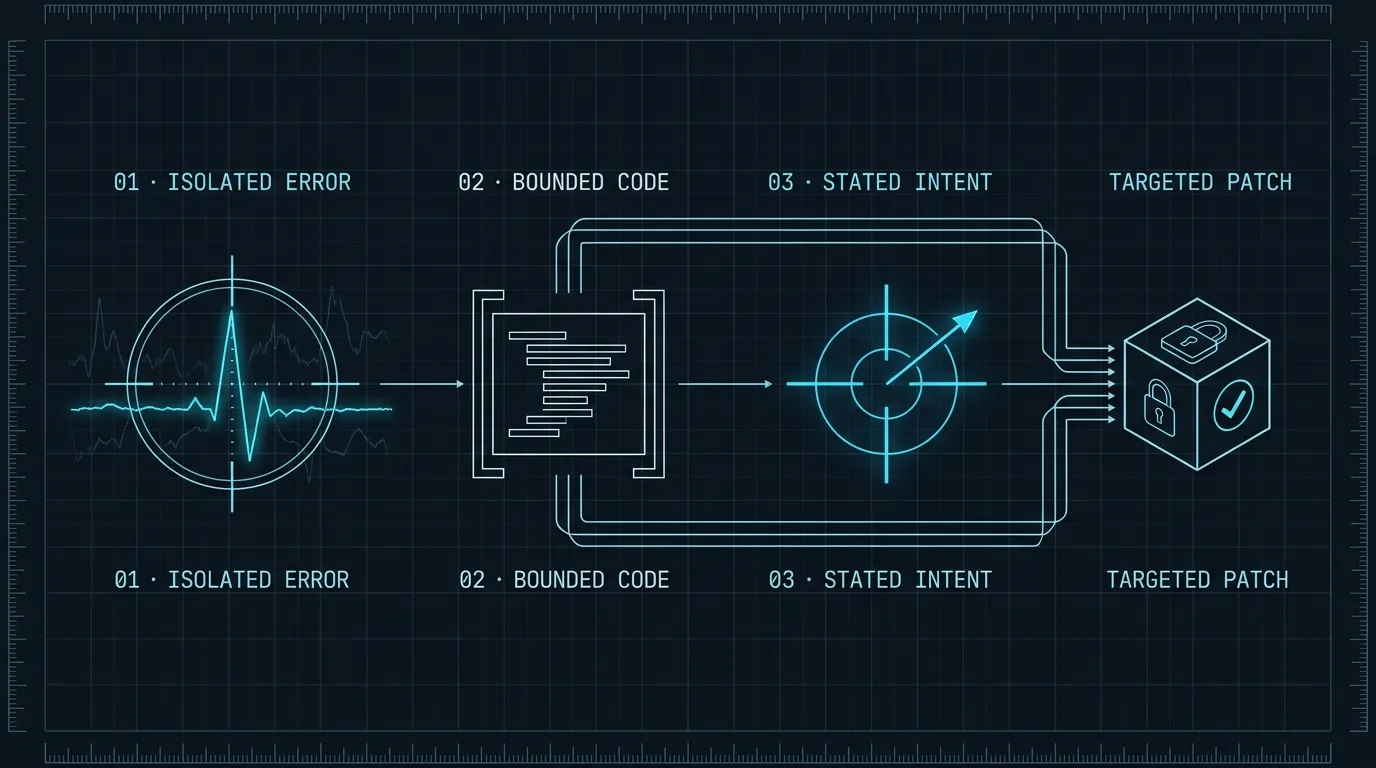
Every useful feedback message to an AI coding tool has three parts:
## Error
[paste the specific error — one error, not the full log]

## Relevant code
[paste the function or section the error references — 20-40 lines max]

## What I was trying to do
[one sentence on the intended behavior]
That third part is the one developers skip. It costs ten seconds to write and saves several minutes. Without it, the model optimizes for making the error disappear, not for making the code correct. With it, the model can distinguish between “fix the type error by narrowing the type” and “fix the type error by changing the function to accept the type I’m passing.”
Here’s a concrete example. Instead of pasting this:
error TS2345: Argument of type 'string | undefined' is not assignable to parameter
of type 'string'.
  Type 'undefined' is not assignable to type 'string'.
    at src/lib/notifications.ts:34:30
Send this:
## Error
TS2345: Argument of type 'string | undefined' is not assignable to parameter of type 'string'.
Location: src/lib/notifications.ts:34

## Relevant code
// src/lib/notifications.ts, lines 28–40
export async function sendAlert(userId: string) {
  const user = await db.users.findFirst({ where: { id: userId } });
  await emailService.send(user.email, ALERT_TEMPLATE);  // line 34 — email may be undefined
}

## What I was trying to do
Send an alert email to the user. If the user has no email, skip silently.
The second version gives the model everything it needs to produce the right fix — not just a cast or a non-null assertion, but if (!user?.email) return; before the send.
Trimming output before pasting
Test runners and compilers are verbose by design. A full Vitest run with 12 failing tests produces hundreds of lines — most of it duplication, file paths, and timing data the model can’t act on.
The useful signal is usually 5–15 lines. Before pasting, trim to:
- The test name and the assertion that failed
- The
Expected/Receivedvalues - Any stack frames inside your own code (not library internals)
Most test runners give you a flag for this. For Vitest:
npx vitest run --reporter=verbose 2>&1 | grep -A 10 "FAIL\|AssertionError\|Error:"For Jest:
npx jest --verbose 2>&1 | grep -A 10 "●\|Expected\|Received"You don’t need to automate this — the manual trim takes 30 seconds and the reduction in model confusion is worth it. The goal is to give the model a clean problem statement, not a log file.
Handling multi-error states
When a build has 15 TypeScript errors, the temptation is to paste all of them. Don’t.
Fix in order. The first error is almost always the most foundational — a bad type or a missing export that cascades into the rest. Give the model error #1 with its context. Fix it. Re-run. Repeat.
The exception is when errors are independent — lint violations in separate files, unrelated test failures in different modules. In that case, batch them explicitly:
Two independent failures from the same build:

1. ESLint: no-unused-vars in src/lib/cache.ts (line 8, variable `ttl`)
2. ESLint: no-unused-vars in src/routes/users.ts (line 22, variable `page`)

Fix both. No other changes.
The explicit count and the “no other changes” constraint prevent the model from expanding scope to fix adjacent issues it notices while looking at the files.
When the AI keeps failing to fix an error
After two failed attempts at the same error, stop iterating and diagnose manually. A model that fails twice is almost always working on a symptom rather than the root cause. Pasting the fix attempt back as additional context just adds noise.
At the two-attempt limit:
- Read the error and the generated fix yourself.
- Find the actual root cause — often one layer up from where the error reports.
- Re-state the problem from scratch with the real root cause in the template.
## Root cause (I found this manually)
The `getUser` function in src/lib/auth.ts returns `Promise<User | null>` but
the caller at src/routes/profile.ts:18 doesn't handle the null case.

## Fix needed
Add a null check in the caller. If getUser returns null, return a 401 response.
Do not change getUser's return type.
Starting from the root cause — rather than the reported error — cuts the iteration count significantly. The model’s strength is producing correct code for a well-stated problem; the diagnostic work is yours. This matches the division of labor described in Task Decomposition for AI Coding Agents: you define what the task is, the model implements it.
Automating the feedback loop with scripts
For projects with fast test suites, a shell alias that captures the relevant output and formats it for pasting saves a step on every iteration:
# In .bashrc or .zshrc
alias ai-test='npx vitest run 2>&1 | grep -E "FAIL|×|AssertionError|Expected|Received" | head -40'
alias ai-build='npm run build 2>&1 | grep -E "error TS|Error:" | head -30'
With these, your loop becomes:
- Ask for the feature or fix.
- Run
ai-testorai-build. - Paste the trimmed output with the minimal template.
- Repeat until clean.
You can go further and pipe output directly to your clipboard:
alias ai-test='npx vitest run 2>&1 | grep -E "FAIL|×|AssertionError|Expected|Received" | head -40 | pbcopy && echo "copied"'This isn’t automation for its own sake — it removes the “should I trim this?” decision from every iteration. Consistent trimming is worth more than perfect trimming on any single run.
Knowing when to stop looping
A feedback loop is a tool, not a strategy. Three signals that mean you should stop and think rather than continue iterating:
The model keeps proposing the same fix with small variations. It’s stuck in a local optimum. Take the wheel, identify the real issue, and restart with a fresh prompt.
The fix introduces a new error every iteration. The scope is wrong. The model is playing whack-a-mole because the original problem statement is pointing it at the wrong layer.
You’ve been in the same loop for more than 15–20 minutes. Context has accumulated, the model has seen multiple failed attempts, and the signal-to-noise ratio has collapsed. Start a fresh session with a clean problem statement. The context hygiene principles in Managing Context in Long AI Coding Sessions apply here: a fresh context with a precise problem beats a long, polluted one with a vague one.
The feedback loop is leverage
The code generation step is fast — that’s the part everyone sees. The feedback loop is where the time goes, and it’s invisible because it feels like the model’s problem. It isn’t. A precisely scoped error with the right context closes in one exchange. An unprepared paste can spiral into ten.
Structure your feedback. Trim the output. State the intent. The model handles the implementation — your job is to give it a problem that’s actually solvable.