Prompting AI for CI/CD: Writing Pipelines That Actually Deploy
How to give AI coding assistants the context they need to write GitHub Actions, Dockerfiles, and CI pipelines that work — not just pipelines that look like they work.
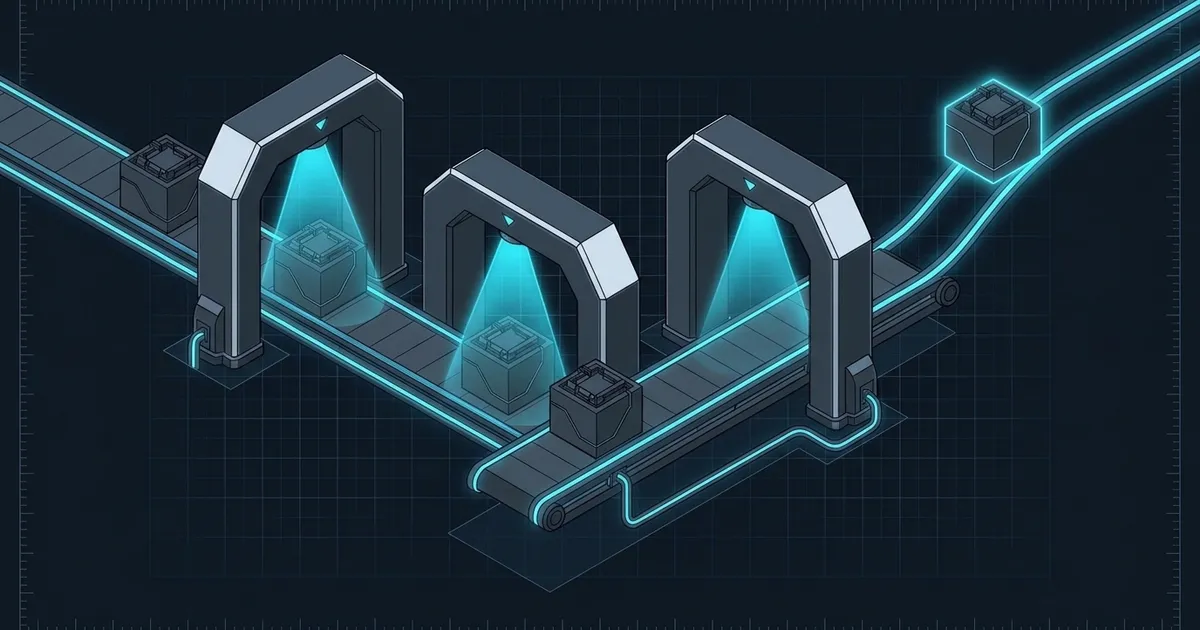
CI/CD configuration is where AI assistants hit an unusual wall. Unlike application code, a pipeline doesn’t run locally in a way you can easily observe. It runs in a sealed environment — a GitHub Actions runner, a Docker container, a Kubernetes job — and it either succeeds or fails with a cryptic log forty seconds later. The feedback loop is slow, the environment is implicit, and the blast radius of a broken pipeline is visible to everyone on the team.
This makes the quality of your prompt matter more here than almost anywhere else. A model generating a GitHub Actions workflow doesn’t know your Node version, your artifact layout, your environment variable naming conventions, or how your deploy target expects files to arrive. If you don’t tell it, it will guess — and the guesses look plausible until they fail.
The core mistake: asking for a pipeline without giving a runtime
The most common prompt is something like “write a GitHub Actions workflow to build and deploy my Next.js app.” The model will produce something syntactically valid. It will probably not work without edits.
What’s missing is the runtime context the model needs to make real decisions:
- What version of Node are you actually running in production?
- Does your build output go to
.next/,out/, or somewhere else? - Where does the deployment target — Vercel, Fly.io, your own VPS — expect files to come from?
- Do you have secrets that need to be referenced, and what are their names in your GitHub repository settings?
- Do you need separate staging and production deploys on different branches?
Before writing a single workflow line, give the model a spec:
I need a GitHub Actions workflow for a Next.js 14 app.

Runtime: Node 20.x
Build command: npm run build (outputs to .next/)
Deploy target: Fly.io (uses flyctl deploy)
Secrets available in GitHub: FLY_API_TOKEN
Triggers:
  - Push to `main` → deploy to production (app name: myapp-prod)
  - Push to `staging` → deploy to staging (app name: myapp-staging)
Cache: node_modules by package-lock.json hash

Constraints:
  - Don't run deploy if tests fail
  - Cache should be invalidated cleanly if package-lock changes
This isn’t a long prompt. It’s a complete spec. The model can now make real decisions instead of guessing at your setup.
Give it your existing Docker image or base environment
If you’re containerizing, the Dockerfile is often where AI output drifts furthest from reality. Models default to a reasonable base image, but “reasonable” rarely matches what’s already in your stack.
Instead of letting the model choose:
Write a production Dockerfile for this app.

Base image we use in other services: node:20-alpine
Build dependencies (not needed at runtime): python3, make, g++ (for native modules)
Runtime environment variables: NODE_ENV=production, PORT=3000
Health check endpoint: GET /api/health → 200

The app serves on port 3000. Don't use a non-root user yet — we'll add that later.
The “don’t use a non-root user yet” constraint is worth noting. Models often add security hardening that’s correct in principle but breaks your current setup. Be explicit about what you want and what you don’t, especially for things that will cause silent failures.
Walk through the failure before you commit
For any non-trivial pipeline, ask the model to trace through its own workflow and narrate what happens at each step — including what could go wrong:
Walk through this workflow step by step. For each step, describe:
1. What exactly it does
2. What could cause it to fail
3. What the error message would look like if it did
This is the CI equivalent of asking the model to critique its own code. The narration often surfaces assumptions you didn’t realize were baked in. “This step assumes flyctl is already installed on the runner” — is it? “This cache key will miss on the first run of a new branch, which means a cold build every time you open a PR” — is that acceptable?
You’ll also catch the common mistake of referencing a secret that doesn’t exist yet. If the model writes ${{ secrets.FLY_API_TOKEN }} and you haven’t set that secret in your repository settings, the step will fail silently with a permission error, not a helpful “secret not found” message.
Build up pipelines incrementally, not all at once
The fastest path to a working pipeline is not asking for the full thing in one shot. It’s asking for each concern separately, verifying it, then composing.
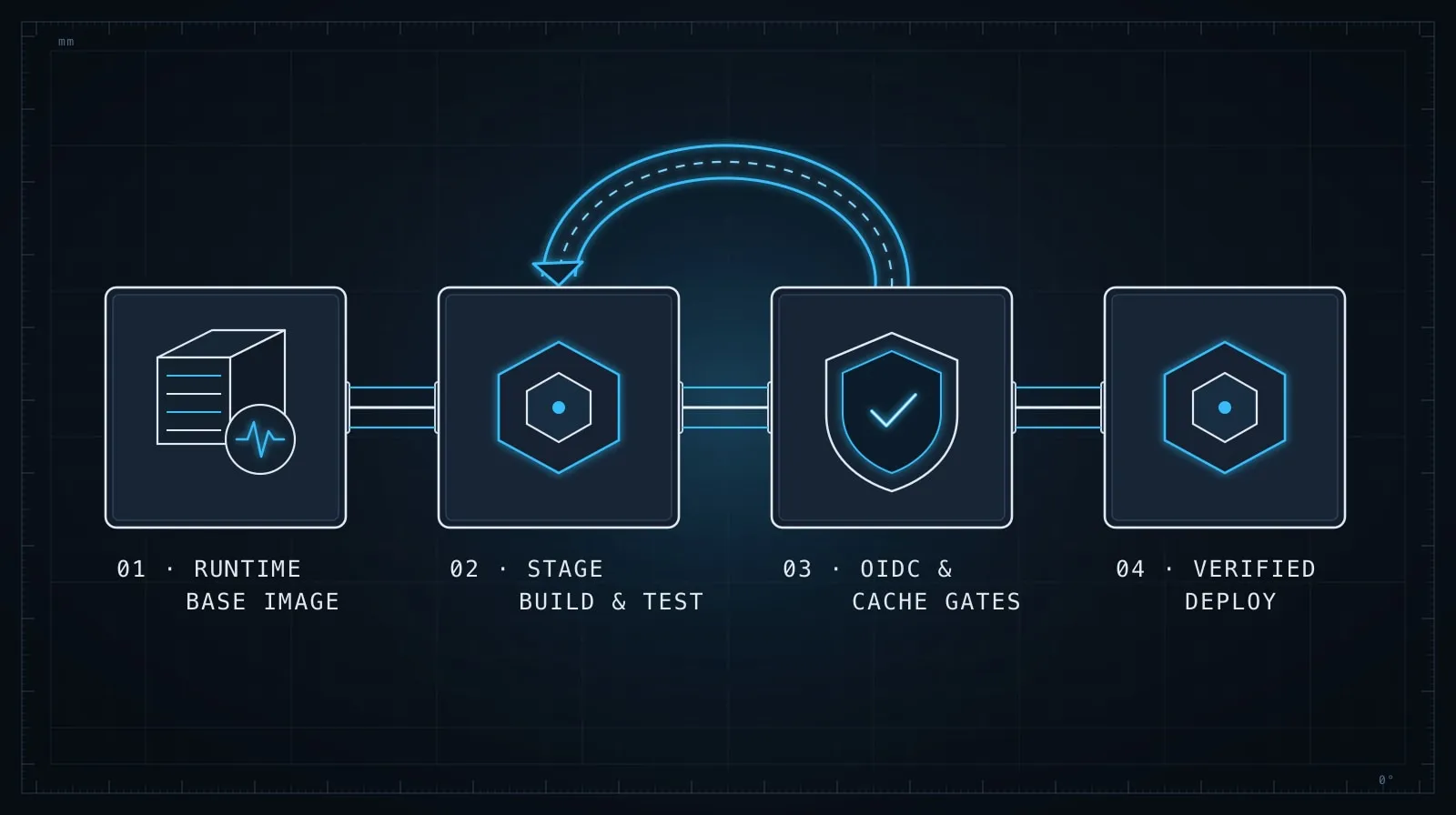
A practical sequence for a new service:
Step 1: Just the install and build. Get a workflow that checks out, installs dependencies, and runs the build. Push it. Watch it succeed. Don’t add caching yet — caching adds complexity and you want the baseline working first.
Step 2: Add tests. Once install and build are green, add the test step. Confirm it runs and correctly fails on a broken test.
Step 3: Add caching.
Now add the actions/cache step with the right key. The model can write this, but verify the cache key expression against your actual file layout.
Step 4: Add the deploy. Only after install, build, and tests are stable. The deploy step should be conditioned on the test step passing.
This sequence means any failure is isolated to the step you just added. In a monolithic pipeline, a failure on step 8 means debugging all eight steps.
Why I learned this the hard way — Josh: I let a model write a complete 12-step pipeline in one shot, including install, build, test, cache, lint, type-check, Docker build, registry push, and deploy. It took me two hours to get it green because every failure required reading the entire workflow to figure out which assumption was wrong. Now I push an incomplete pipeline on purpose and extend it incrementally. The extra commits are cheap; the debugging time isn’t.
Handle caching carefully
Cache bugs in CI are subtle. The pipeline appears to work because it uses a cached state, and then breaks unexpectedly when the cache is cold or when it’s invalidated incorrectly.
When the model writes a cache key for you, make sure you understand the key expression:
# What the model might write
- uses: actions/cache@v4
  with:
    path: ~/.npm
    key: ${{ runner.os }}-node-${{ hashFiles('**/package-lock.json') }}
    restore-keys: |
      ${{ runner.os }}-node-
This is standard and usually correct. But ask: what does **/package-lock.json match in your repository? If you have a monorepo with multiple package-lock.json files, this expression hashes all of them — which may or may not be what you want. If you’re caching node_modules rather than ~/.npm, the path and invalidation strategy are different.
A good follow-up prompt:
My repo is a monorepo with packages/ containing three sub-packages, each with its own package-lock.json. The root also has a package-lock.json. Adjust the cache step so that a change in any sub-package invalidates the cache.Permissions and OIDC tokens
A common source of mysterious permission failures is getting the workflow token permissions wrong. The model often writes the happy path; it doesn’t always include the permissions: block that restricts or grants the right access.
For any workflow that writes to a registry, creates releases, or deploys with OIDC:
This workflow needs to push a Docker image to GitHub Container Registry (ghcr.io)
using the built-in GITHUB_TOKEN. Add the correct permissions block.
Don’t just accept the model’s permissions block — verify that it grants only what’s needed. Over-permissioned tokens are a real risk in CI, especially for workflows that run on pull requests from forks.
Keep secrets out of logs
Ask explicitly:
Review this workflow for any step that might accidentally echo a secret value
into the build log. Flag any run step where a secret could appear in the output.
Models sometimes write echo "Token: ${{ secrets.API_TOKEN }}" in debug steps and leave it in. GitHub masks secrets in logs, but only the literal secret value — if your secret is a JWT and you decode it to a variable before logging, the decoded value won’t be masked.
The payoff: pipelines you actually understand
The discipline of providing a detailed spec, walking through the failure modes, and building incrementally does something beyond just producing a working pipeline. It produces a pipeline you understand well enough to debug when it breaks in six months without the AI context available.
CI configuration has a reputation for being write-once, debug-forever. That reputation comes from pipelines assembled by guesswork — from docs, Stack Overflow, and AI prompts that didn’t include enough context. A pipeline assembled from a complete spec, with each step verified, is one where you know why every line is there.
For the underlying prompting discipline — structured specs, explicit constraints, step-by-step verification — Prompt Engineering Patterns That Survive Production covers the same approach applied to application code. And if your pipeline triggers AI agents as part of the build process, MCP Servers for AI Agents covers the tooling layer those agents depend on.